
Flexibility
No data center contracts – just choose the locations that work for you and change them anytime.





How to use the Megaport platform to start linking your data centers, clouds, and workloads.
Building a network shouldn’t mean locking yourself into one or two data centers, or waiting weeks for new connections.
With Megaport, you can create Virtual Connectivity Hubs that give you the flexibility to deploy across hundreds of locations, connect in 60 seconds, and scale on demand, all without the weight of long-term contracts.
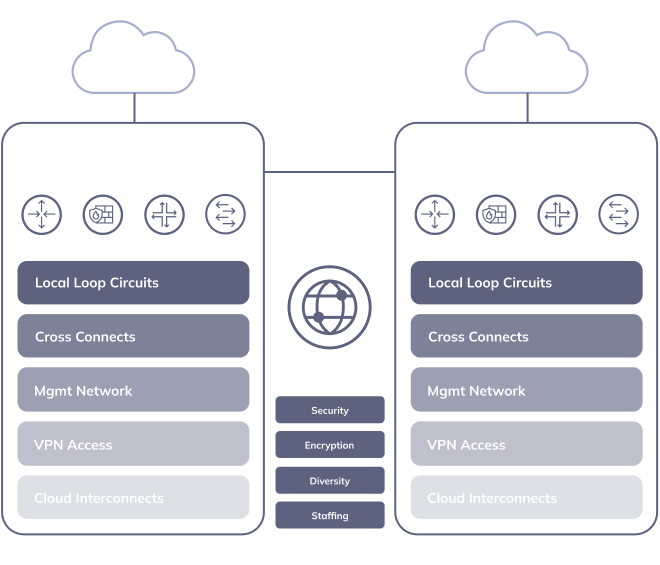
Here’s a traditional, hardware-based deployment with two customer data centers. Complicated to look at, and even more complicated to manage.
When locked into a physical DC there’s no easy way to evolve or scale. But what if you could deploy your network infrastructure across a wide area of your choice?
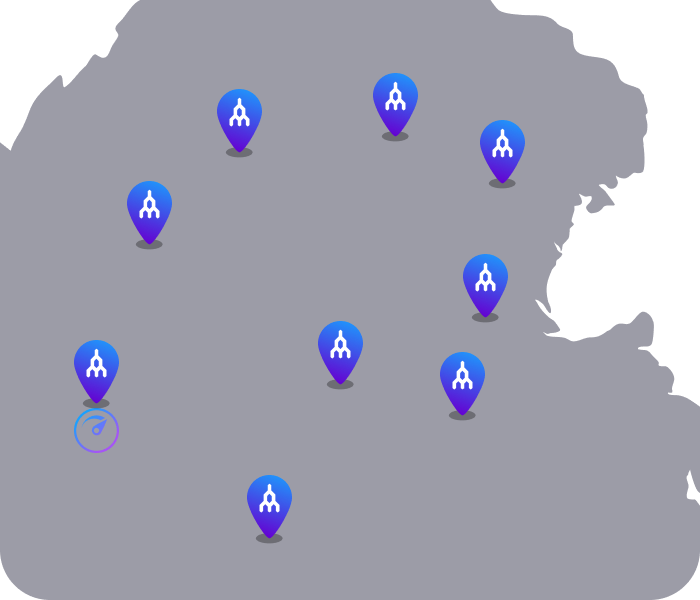
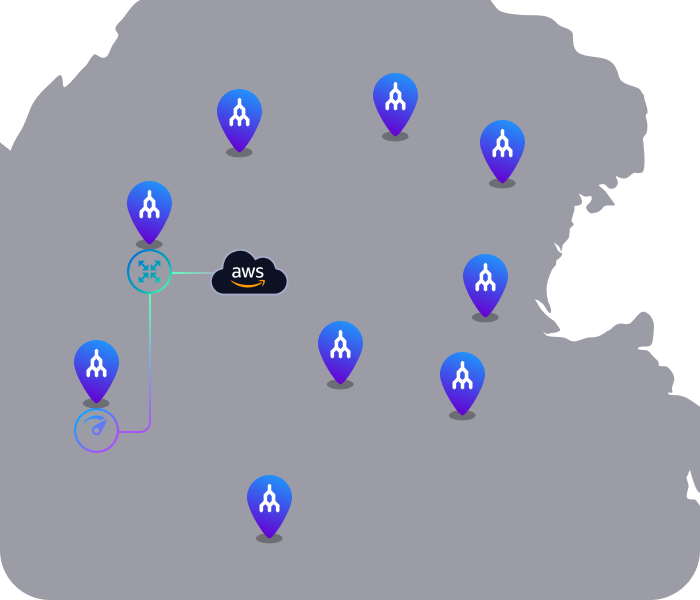
Here’s a snapshot of Megaport-enabled locations in Ashburn, Virginia – just some of Megaport’s 1,100+ global enabled locations.
Let’s use this location to start building a virtual network step by step.
Now, say you want to connect two cloud workloads directly to each other.
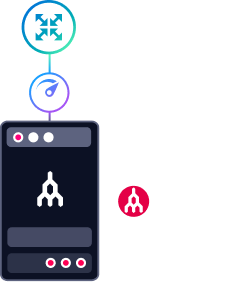
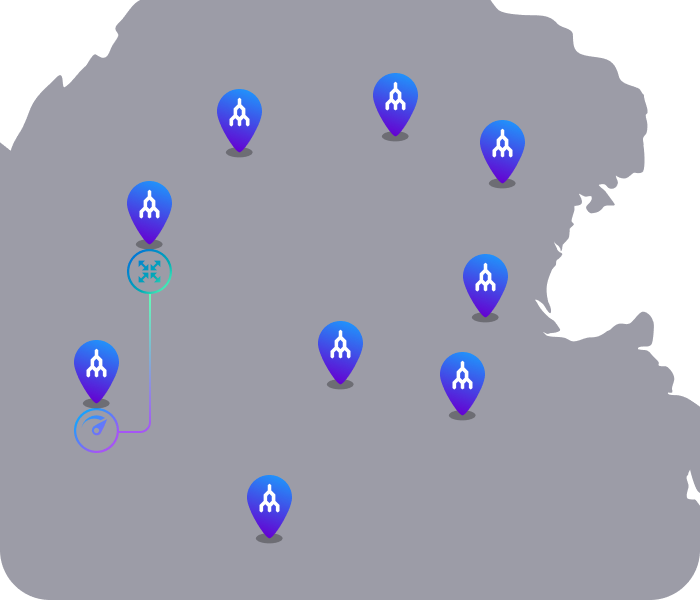
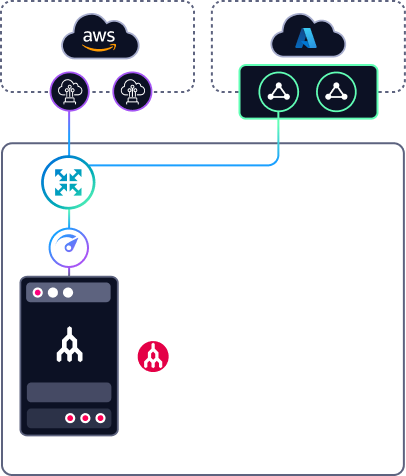
You can simply link them virtually using Megaport Cloud Router (MCR), a managed routing platform, by first connecting it to your site.
Provision MCR in the Portal instantly for a private connection between the Port and MCR across the Megaport network.
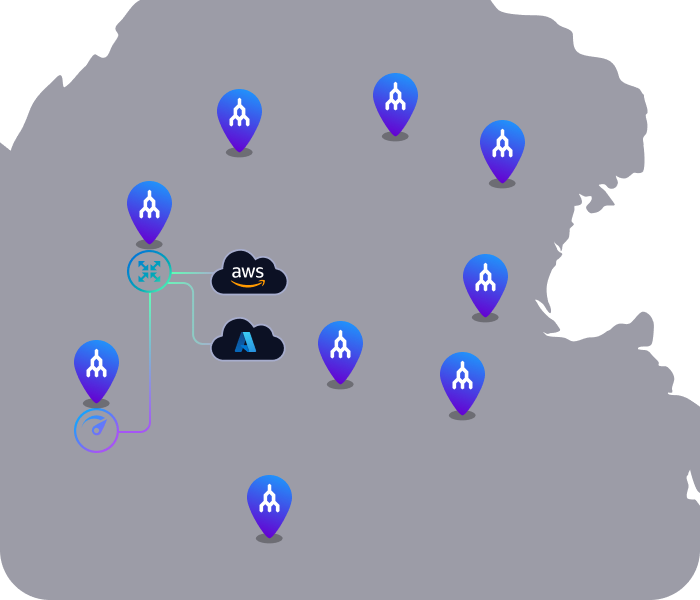
Now, connect to your first cloud provider via your MCR, which will act as the central routing point between your clouds.
Now, instantly link your cloud workloads to enable them to communicate directly with each other while dispersed across multiple locations – all private, no hairpinning, no delays.
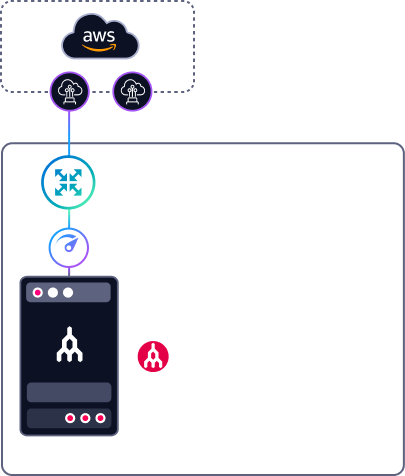
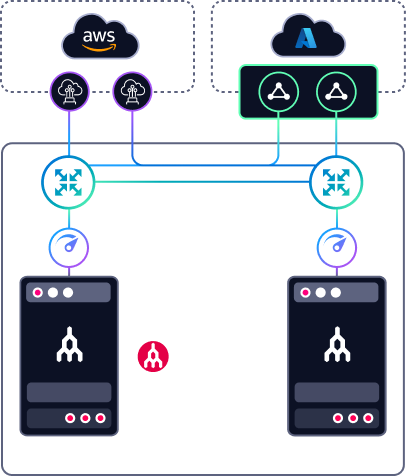
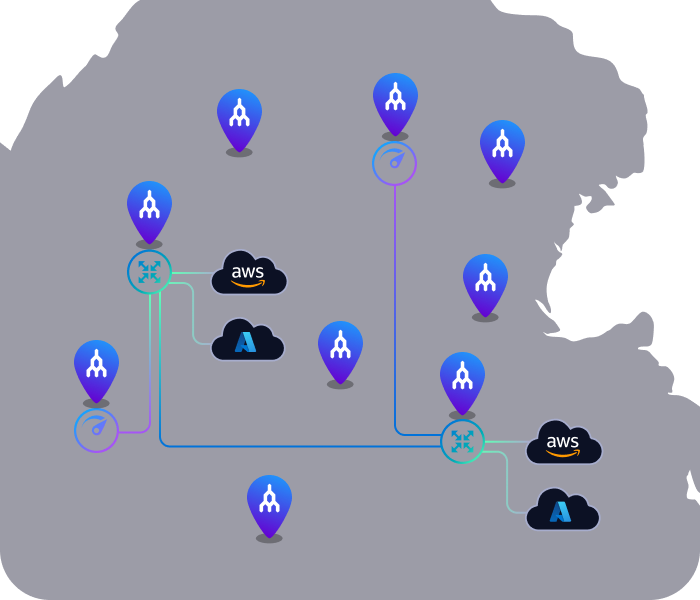
By provisioning these components, you’ve just built your own Virtual Connectivity Hub.
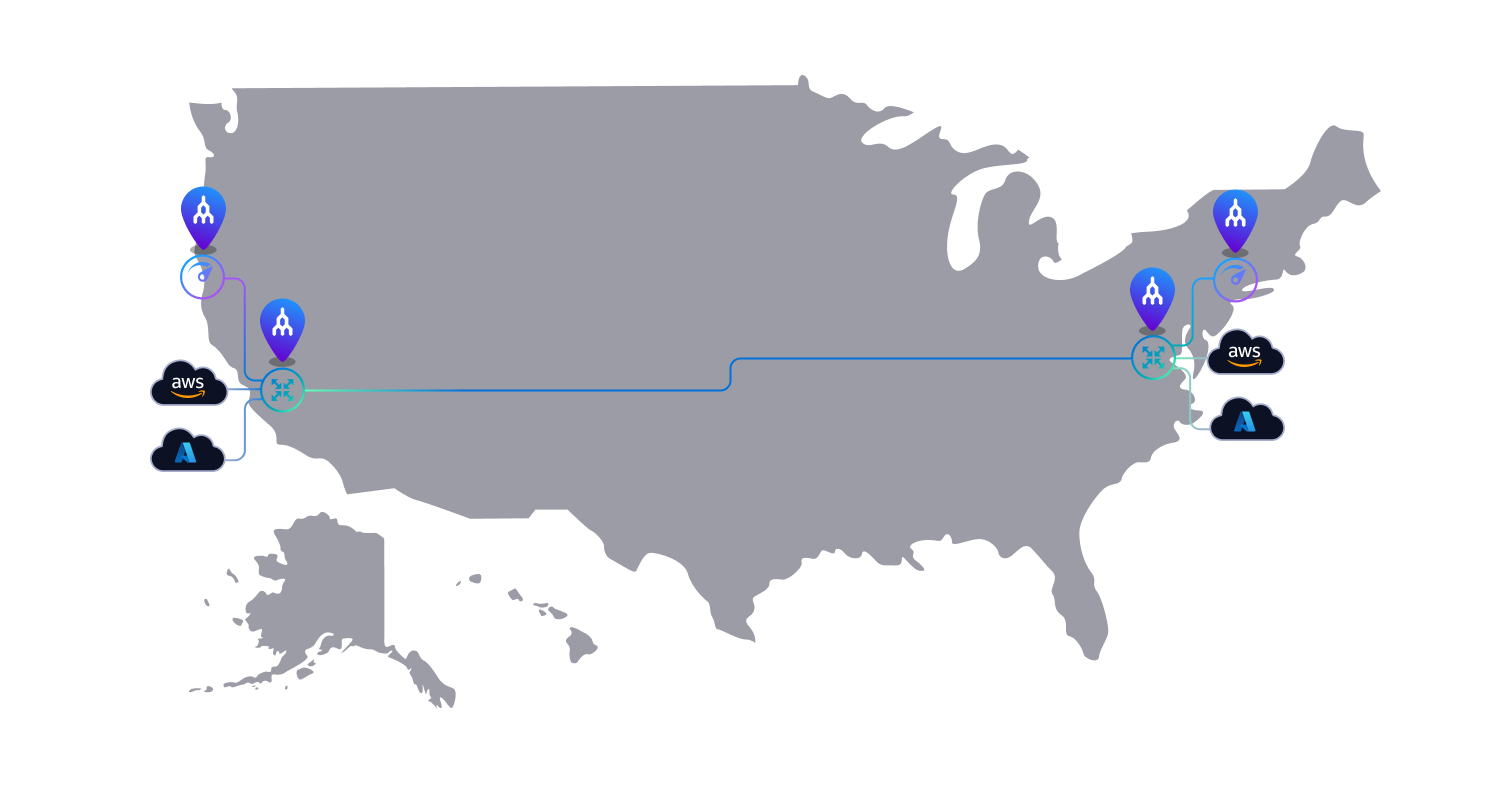
But a VCH doesn’t just have to be in a single Metro.
Let’s imagine a different solution on a bigger scale using these same elements.
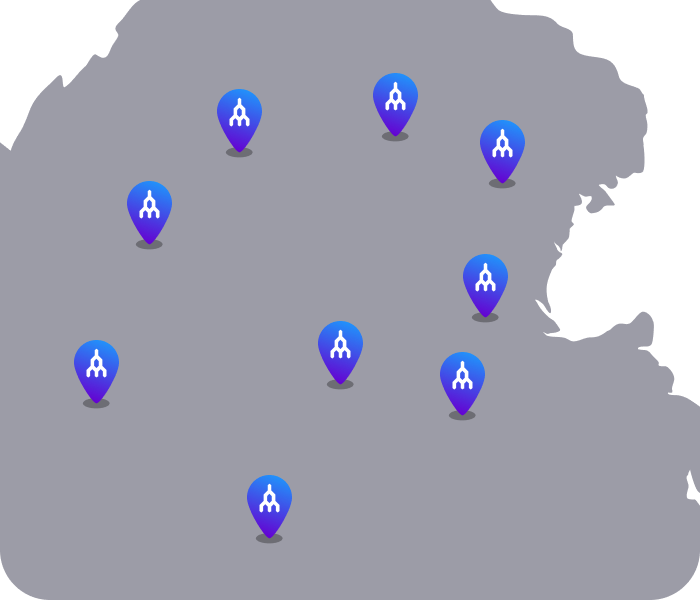
Thinking bigger, we can build a Virtual Connectivity Hub that spans a wider area, like this US-wide map.
Thinking bigger still, we can build virtual hubs around the globe to expand into new regions – all connected over the Megaport Global WAN.
To scale, simply clone your hub and deploy it in a new region to expand your network in minutes.
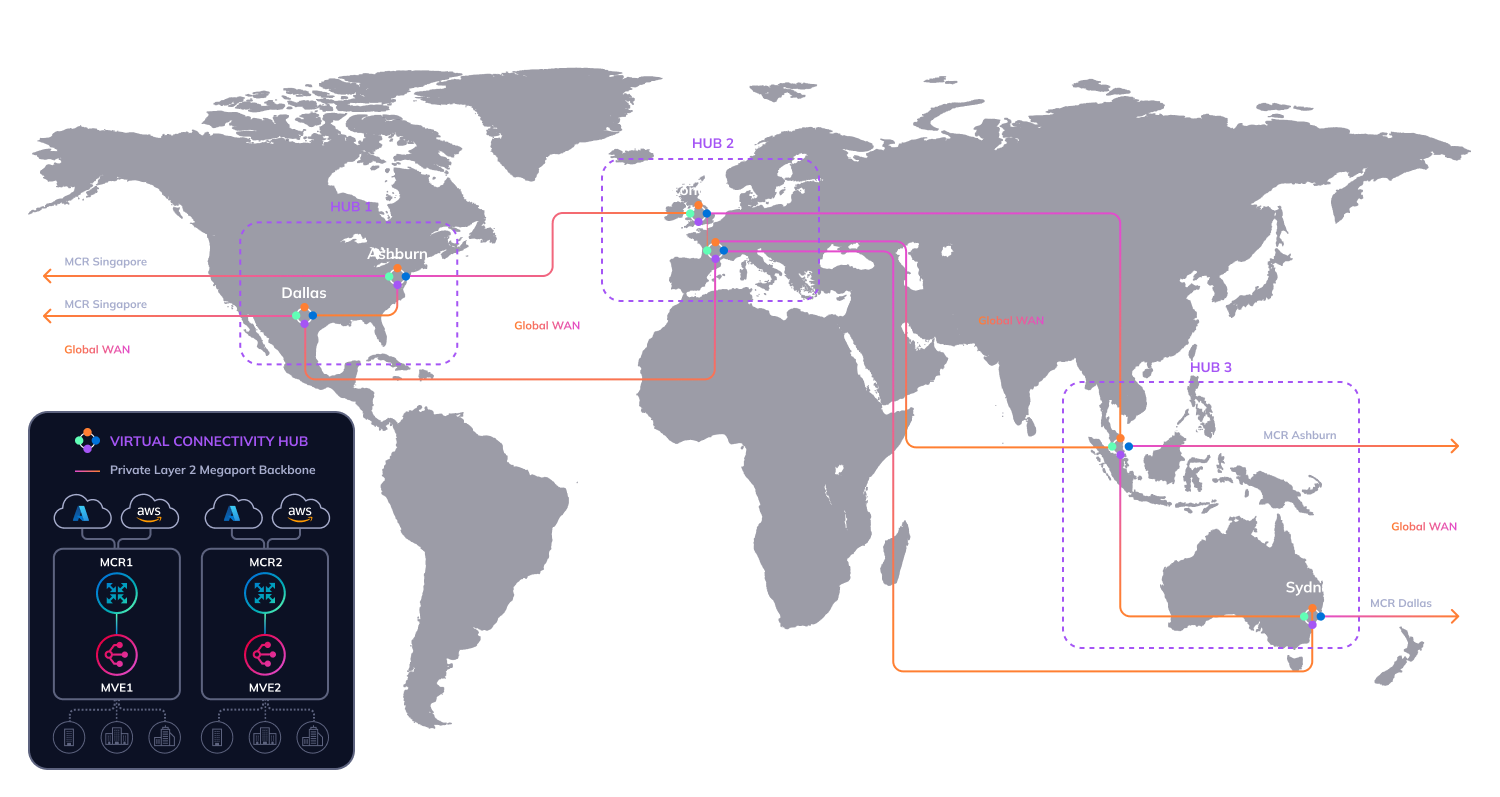
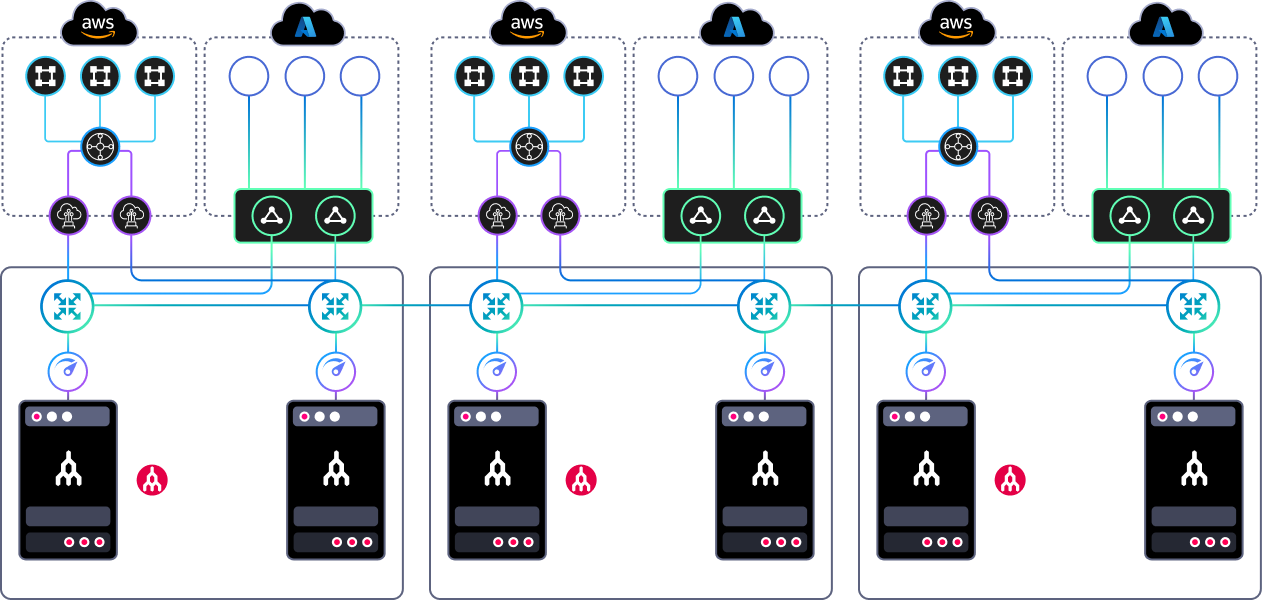
All of your workloads and endpoints will be connected on Megaport’s low-latency backbone for simpler, smarter networking.
Need to make changes? Add, remove, or adjust connections on demand in the Portal.
Megaport’s virtual underlay allows you to build secure, scalable, and agile networks in just a few clicks.
If you can imagine it, you can build it.
No data center contracts – just choose the locations that work for you and change them anytime.
Turn up services in just 60 seconds so your network can keep pace with your changing workloads.
Expand across 1,100+ global locations and add new regions in just a few clicks, without adding new hardware.
Virtual devices give you the freedom to deploy, adjust, and move connections across locations and clouds via a simple portal or APIs.
You’ve seen how a virtual connectivity hub can start with a single metro, connect clouds and data centers, add resilience, and expand across regions with Megaport Global WAN.
Now you can take the same approach in the Megaport Portal. Build private connections, add routing, and scale your network as your architecture grows, without waiting on traditional infrastructure lead times.
Want to build a deployment just like this one?
With Megaport’s self-service Portal, APIs, and on-hand expert support, you can build your network your way.